 Jot
Jot
Jot in one sentence
Jot is a private capture app for iPhone. Write a thought, sort it in the moment, and then export your jots anywhere.
In a paragraph
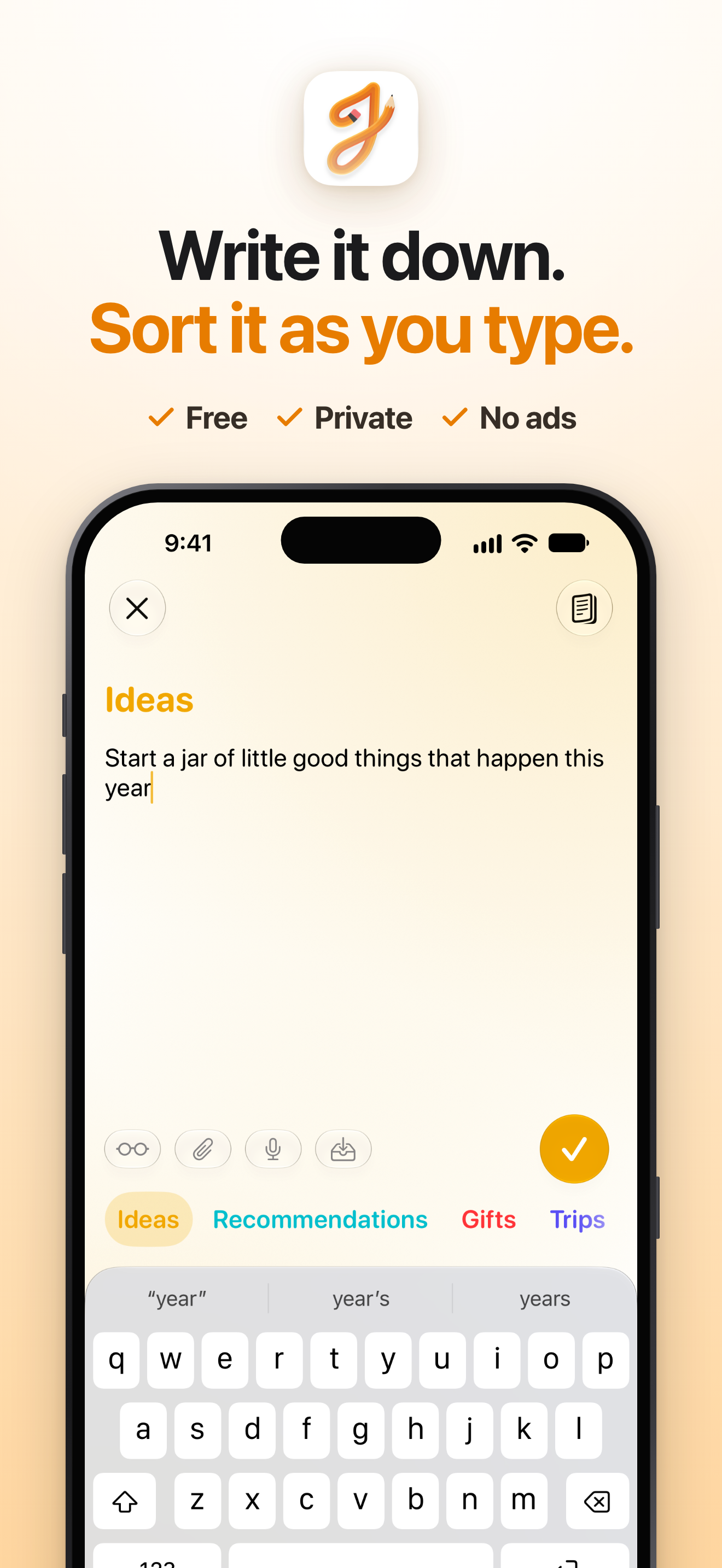
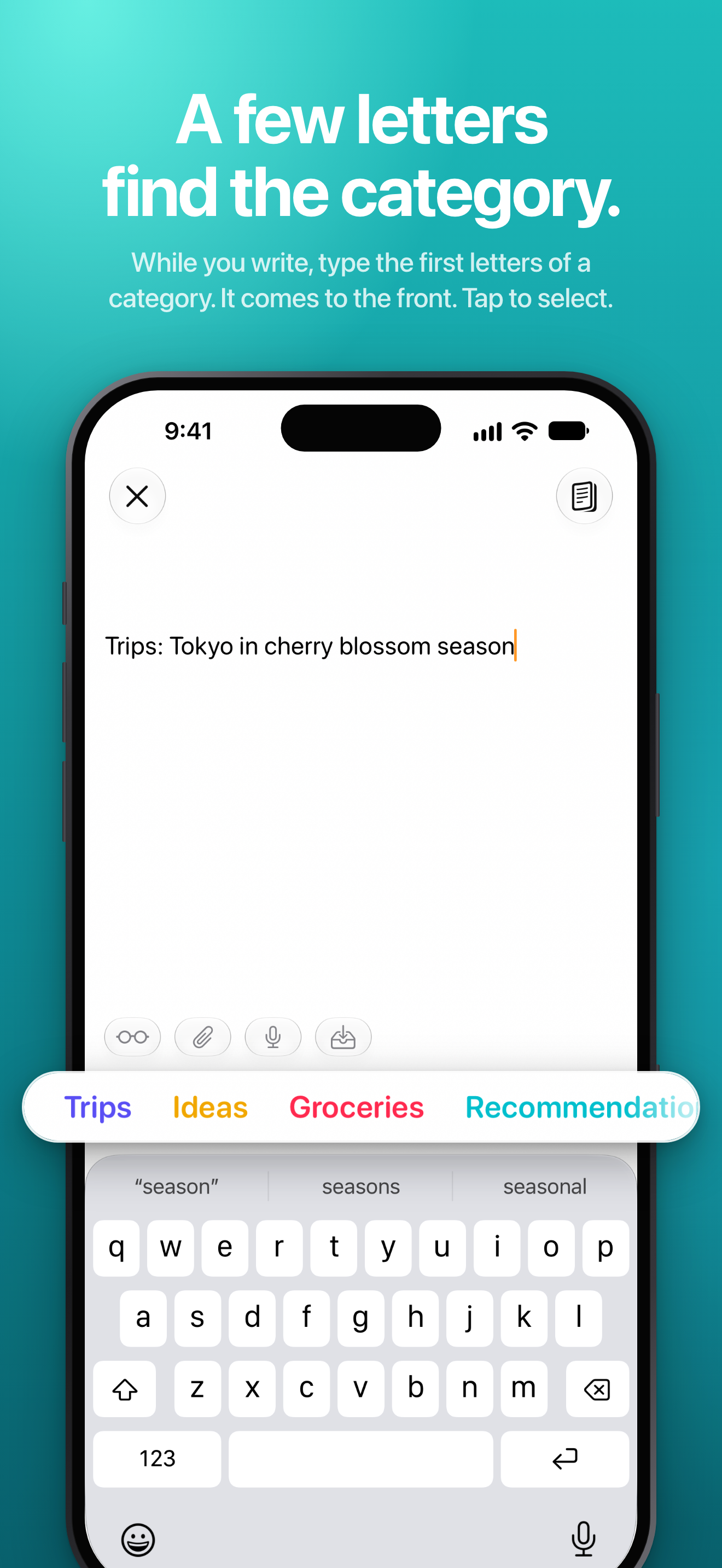
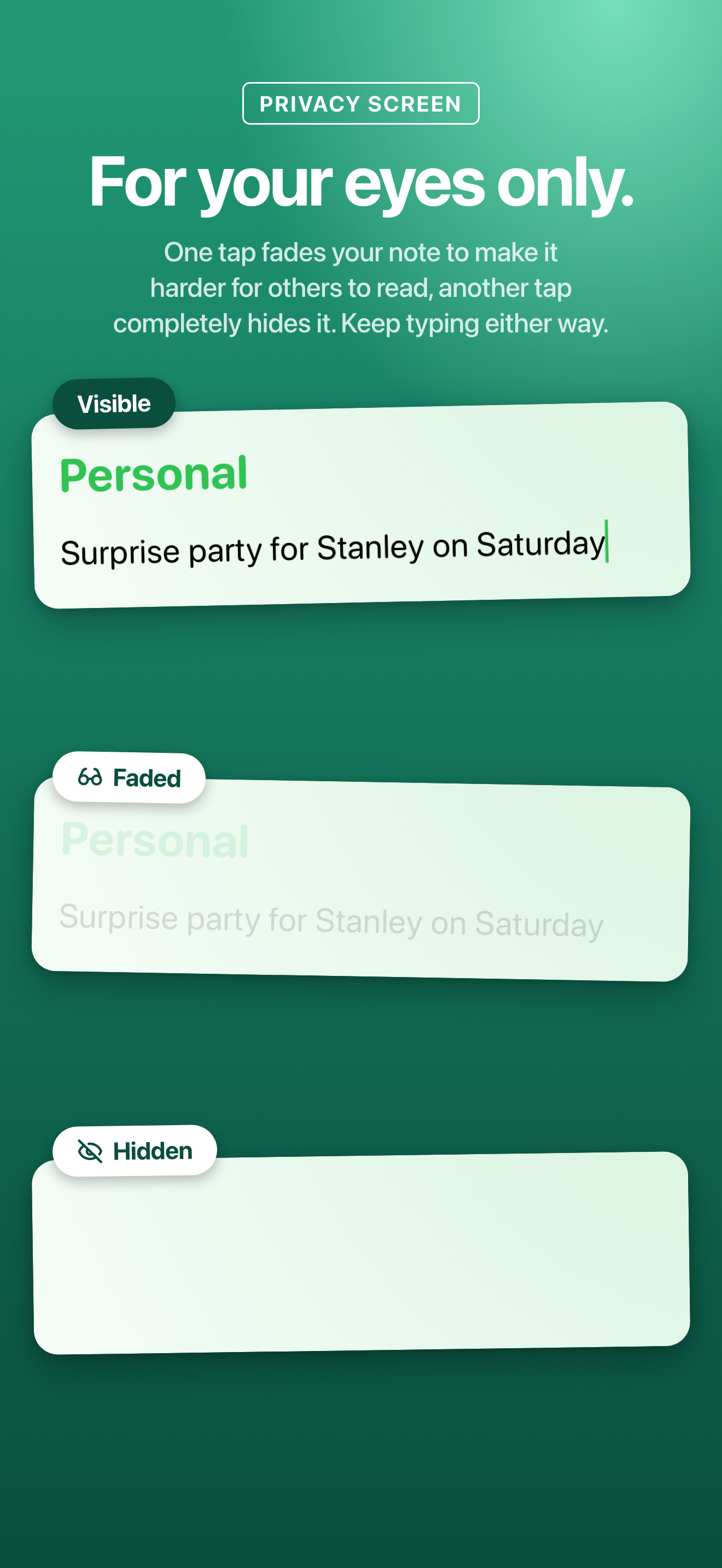
Jot opens to a blank page with the keyboard up, so a thought is written down before it’s gone. While you type, the first few letters of a category bring it to the front, and one tap files the note. When you’re ready, Jot exports everything in plain text to Notes, a doc, Obsidian or anywhere else. A privacy screen fades or hides what you’re typing when someone is next to you, and there’s no account, no servers, no ads and no analytics.
Facts
- Price: free. Jot Premium, an optional pay-what-you-want membership ($5, $10, $15 or $20 a year), adds Workspaces and a Lock Screen card for a note in progress.
- Devices: iPhone and iPad, and designed for Duo from version 1.6. Requires iOS 27.
- Privacy: no account, no servers, no ads, no analytics. Notes leave the device only when you send, export or back them up: in the device’s own iCloud or computer backup, or with Jot’s optional Back Up to iCloud.
- Made by: one independent developer.
- App Store: apps.apple.com/app/id6759310355
New in 1.6
- Lists and checklists that keep going when you press Return.
- Math as you write: type
=after a sum or a unit conversion and Jot adds the answer. It’s off until you turn it on in Settings. - Add to Reminders and Add to Calendar: a note goes to Apple’s Reminders or Calendar, and a date in it, like “Friday at 7pm”, comes with it. Both are off until you turn them on.
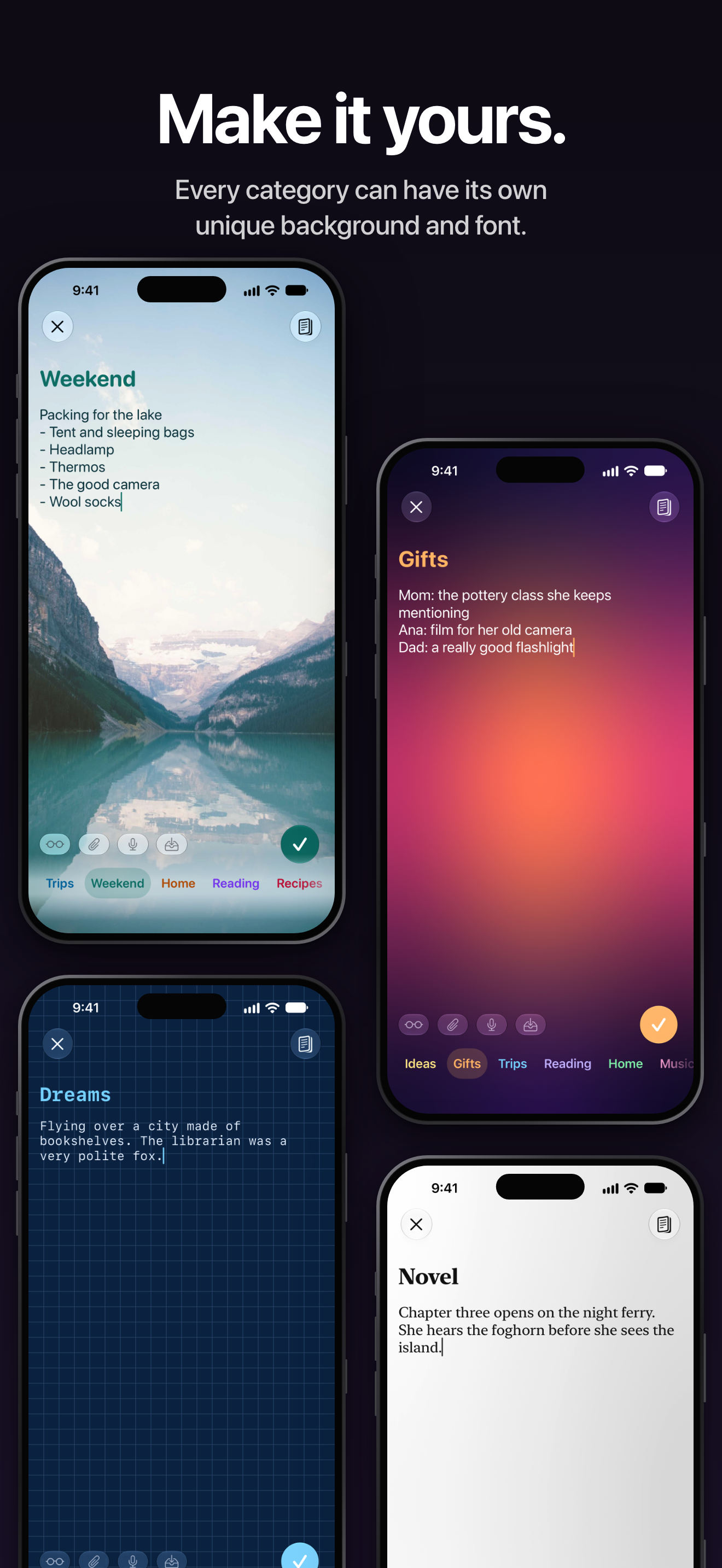
- A font for each category.
- Jot Review: before you export, Apple Intelligence can point out private info, reminders and unfinished notes, all on the device, and Jot spots duplicates. It’s off until you turn it on, and needs an iPhone or iPad with Apple Intelligence.
- Backups can go to a folder you pick, like one in iCloud Drive or On My iPhone.
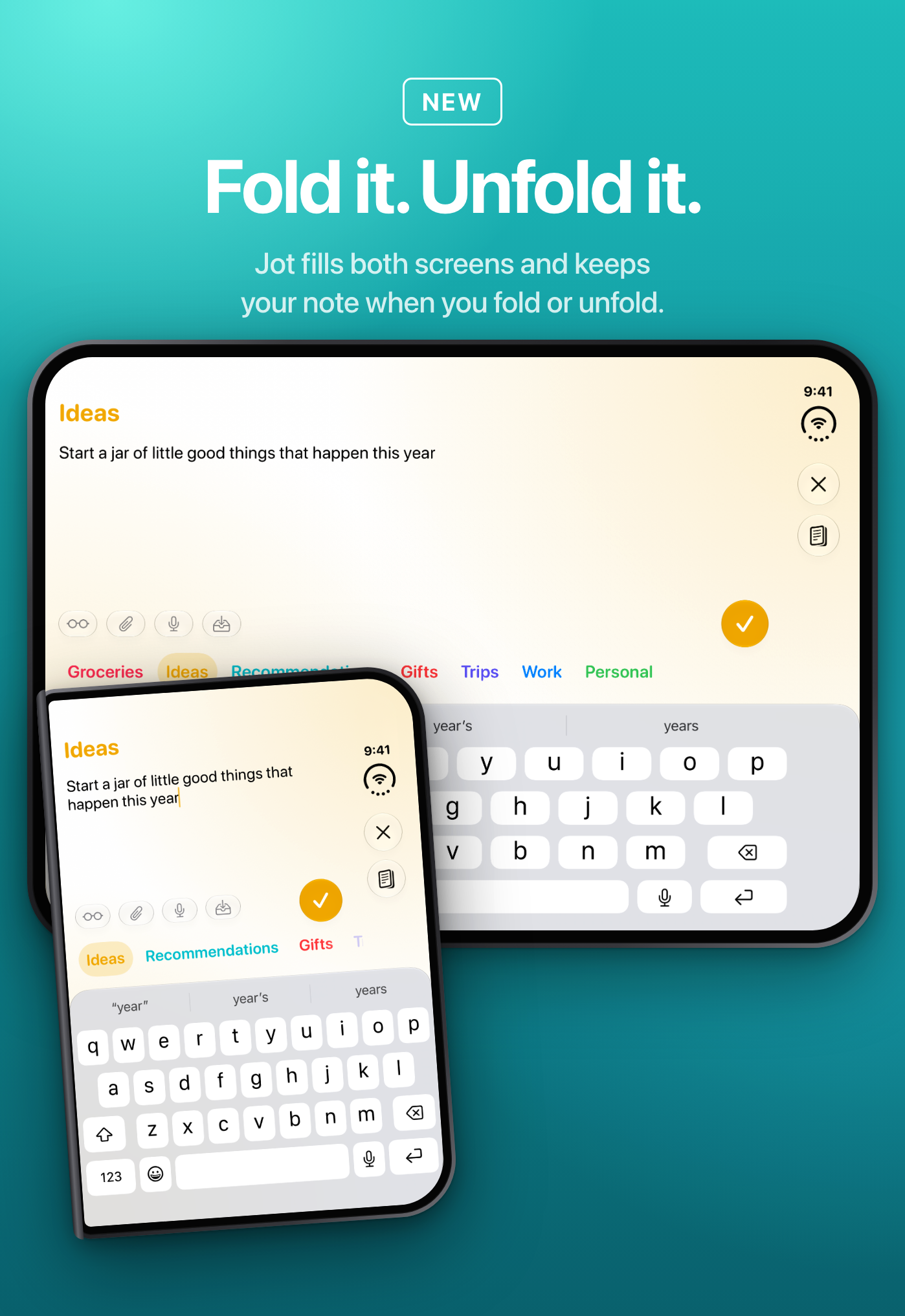
- Designed for Duo: Jot fills both screens and keeps your note when you fold or unfold.
Images
- App icon (PNG, 1024 × 1024)
- Write it down. Sort it as you type. (iPhone, PNG)
- Sorting as you type (iPhone, PNG)
- Privacy screen (iPhone, PNG)
- Themes (iPhone, PNG)
- Designed for Duo (PNG)
More screenshots are on the App Store page.
Contact
Email [email protected]. Jot is made by one person, so you’ll reach the developer directly. Happy to answer questions.