 Jot
Jot
Capture
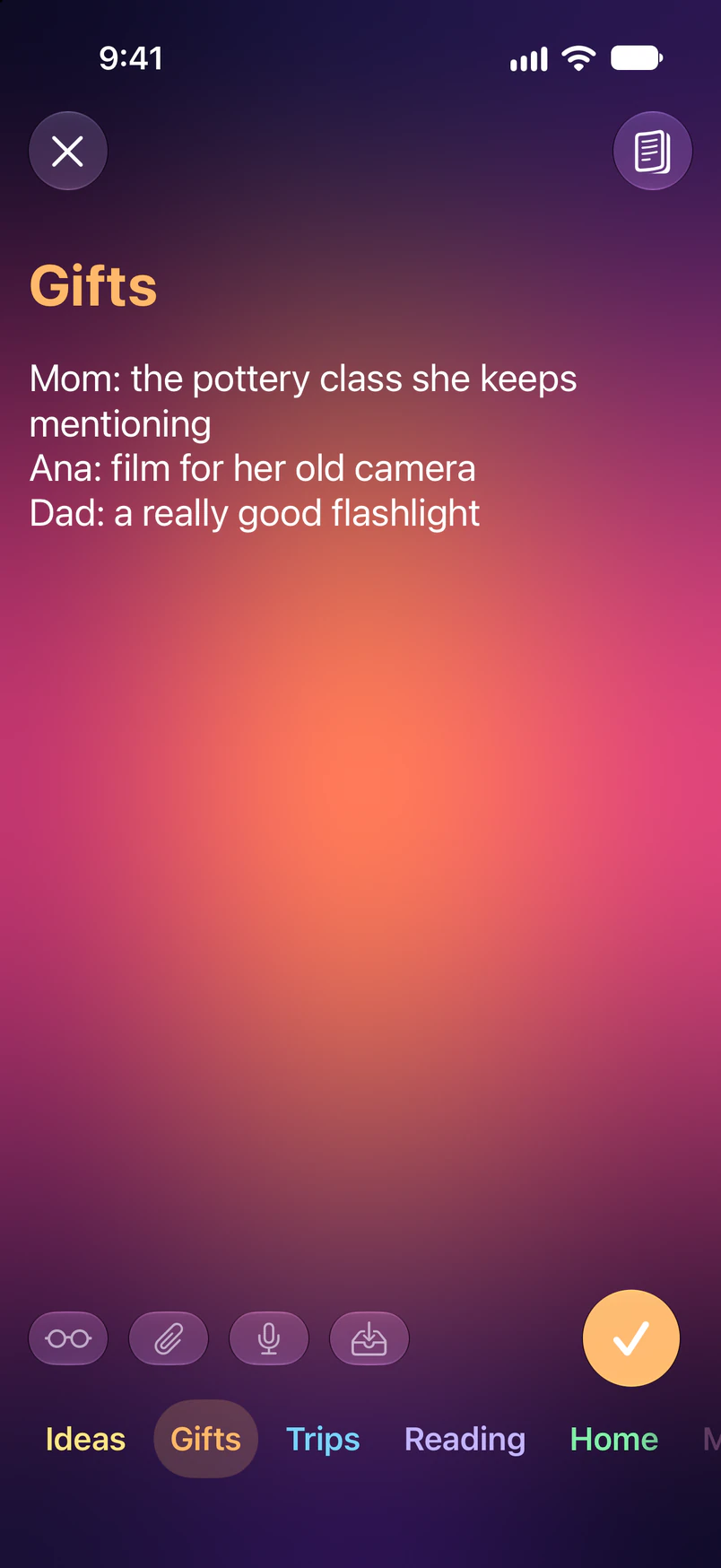
Open Jot and type. There’s nothing to set up.
Jot is a private capture app for iPhone. Write a thought, sort it in the moment, and then export your jots anywhere.

Open Jot and type. There’s nothing to set up.
While you write, type the first letters of a category. It comes to the front. Tap to select.
Export your sorted notes anywhere, anytime, all in plain text. You choose the formatting. Using Obsidian? Jot Import files each category into its own note.






One tap fades your note to make it harder for others to read, another tap completely hides it. Keep typing either way.
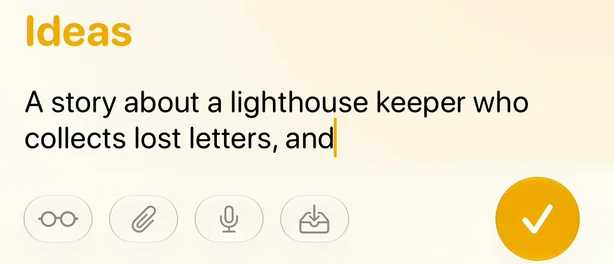
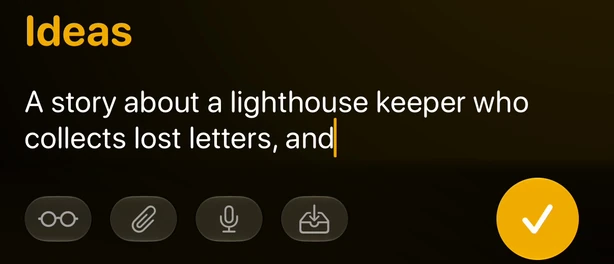


Interrupted mid-note? Stash it and pick it back up later.
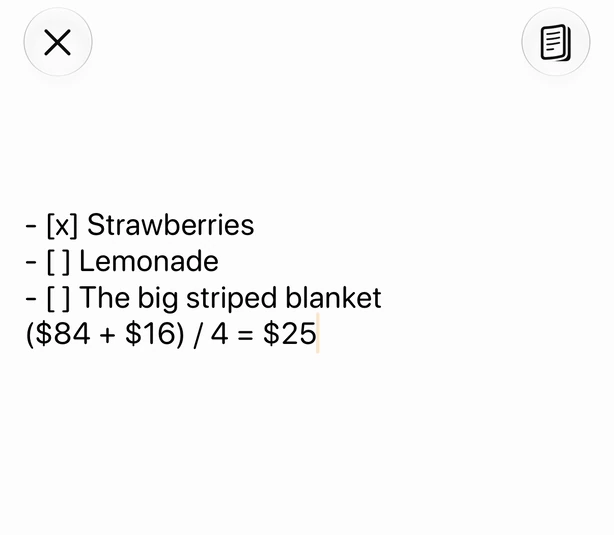
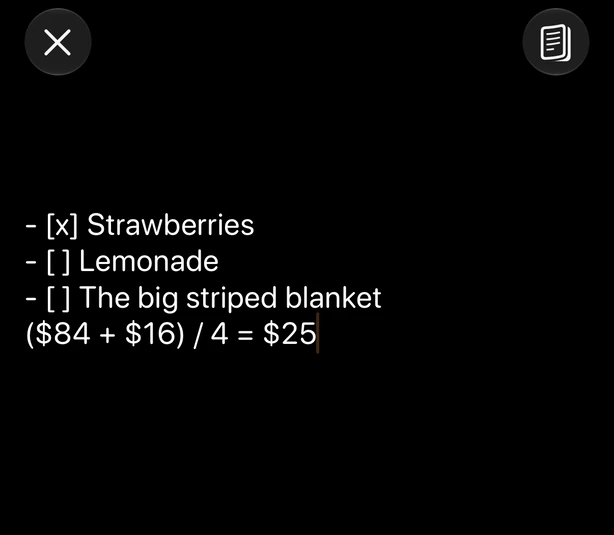
Return continues a list, and [] makes a checkbox. Turn on Math in Settings, then type = after a sum or a unit conversion and Jot adds the answer.
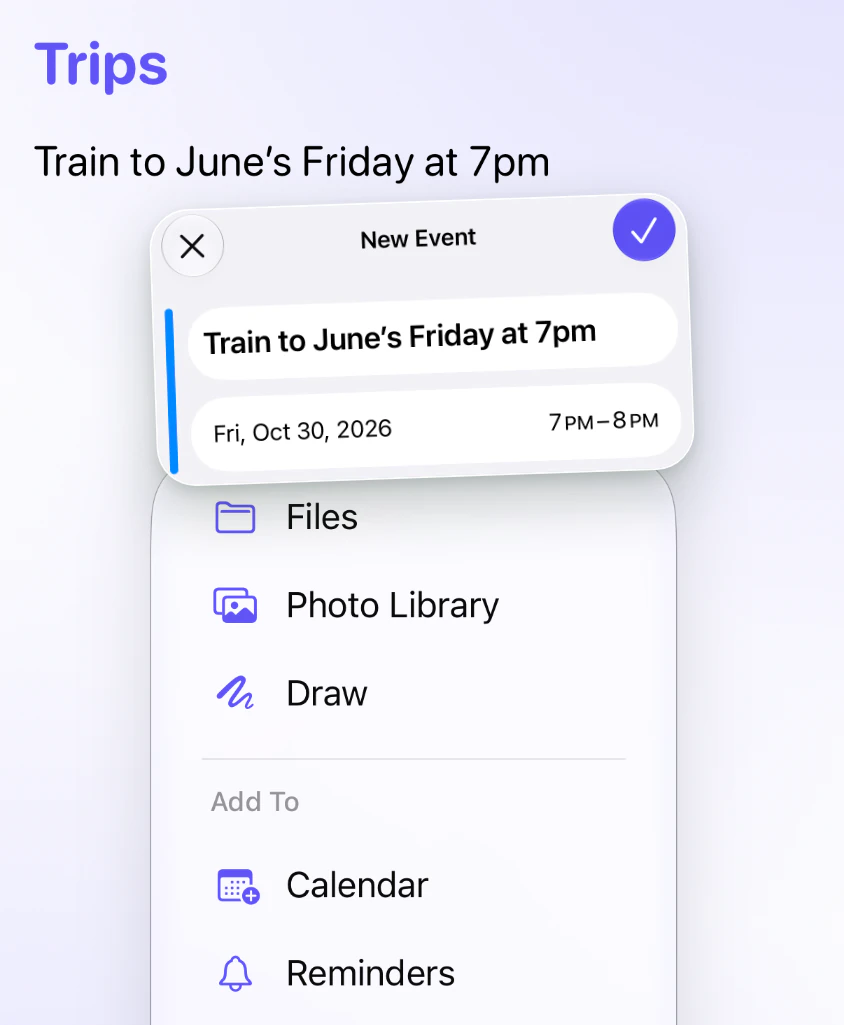
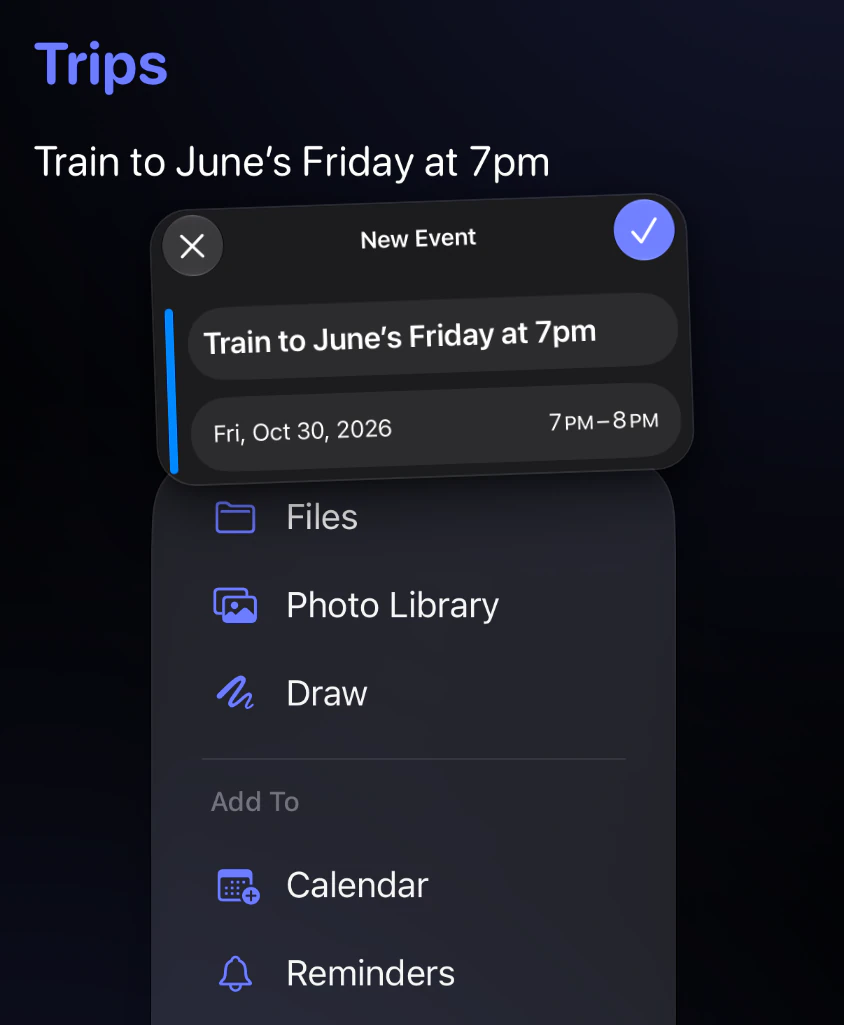
Write it in Jot, then send it to Reminders or Calendar. A date you write, like “Friday at 7pm”, becomes the due date or the event’s time. Turn them on in Settings.
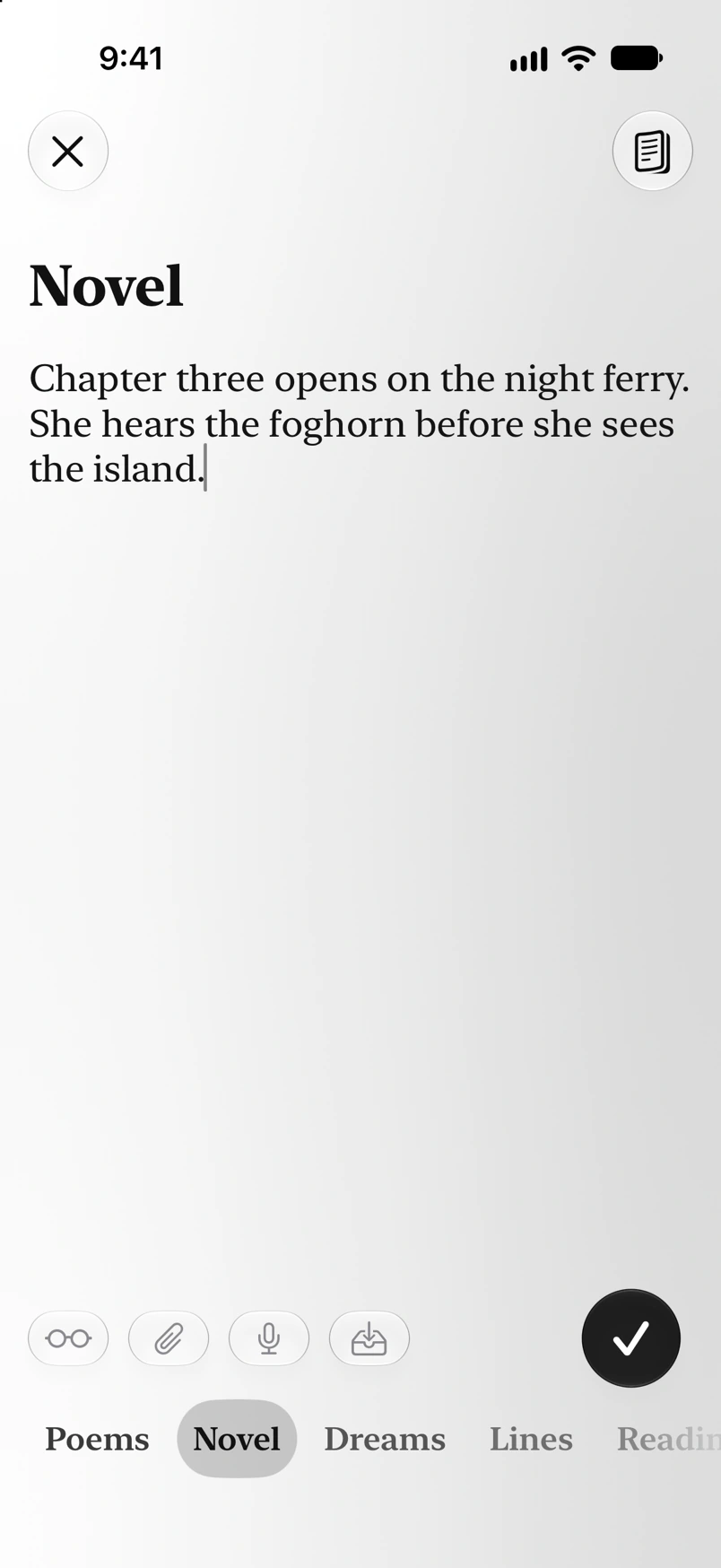
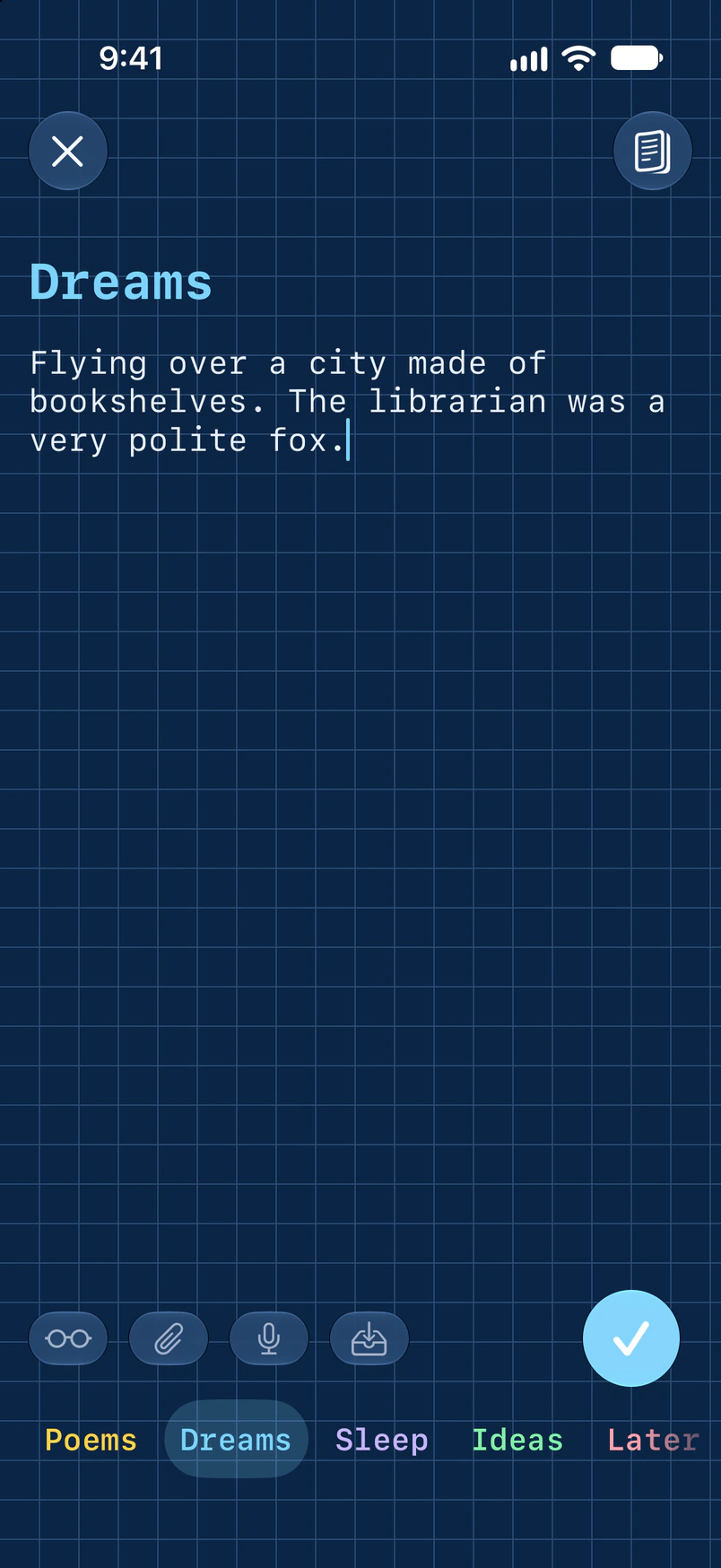
Every category can have its own unique background and font. Make a background in the theme maker, then share it with a friend (without its photo).

Tap the mic and talk. Transcription runs on the phone.
Add #tags to any jot. Exports group by tag as well as by category.
Add a drawing, a photo, a video, or a file. Share into Jot from other apps.
Need to add something? Bring your last jot back to finish it or file it somewhere else.
Keeps snapshots of what you type, so a cleared draft can come back. Off unless you turn it on.
Start a jot or dictation from your Home Screen, or see your latest jots.
Made automatically, on the phone. You can also copy them to your iCloud Drive.
A weekly review, or a nudge when your jots pile up. Off unless you turn them on.
Ask Siri to add a jot, or to read your last one back.
Set the Action button to New Jot, and start a note from anywhere.
Before you export, local Apple Intelligence models flag private info and reminders, and Jot spots duplicates.
The free Jot Import plugin puts each category’s jots into its own note.
Jot has no account, no servers, no ads and no analytics. Your notes leave your phone only when you send, export or back them up: in your iPhone’s own backup, or with Back Up to iCloud, which keeps a copy in your own iCloud Drive. Face ID can lock your saved notes while capture stays open. Read the privacy policy.
Everything above is free. Jot Premium, an optional pay-what-you-want membership ($5, $10, $15 or $20 a year), adds Workspaces and a Lock Screen card for a note in progress. Jot is made by one person, and my goal is a high-quality app that people (and I) love to use.
Anyone who writes lots of quick notes a day, works on several projects at once, or slowly builds up ideas for projects they haven’t started yet. And anyone who finds it fun!
I write down every thought worth keeping the moment I have it, as fast as I can, so I don’t lose it or lose my focus. That habit has been one of the most valuable in my life, but the notes piled up. After a couple weeks I had hundreds to go through, and each one had to be copied to its own place.
If notes are sorted as you write them, you move a few groups instead of hundreds of single notes. And with a tool that sends each group to the right place by itself, like the Jot Import plugin for Obsidian, you don’t copy anything at all. That’s why I made Jot: my notes end up where they belong, and the repetitive work is gone. And that’s not even to mention all the other useful features!
Apple Notes is great at storing notes, but quick thoughts pile up into hundreds of unsorted notes, and opening it in public shows notes you’d rather keep private. Jot opens to a blank page, sorts each thought as you write it, and exports everything (to Notes, Obsidian, a doc or anywhere else) in one tap. Plus the privacy screen, the stash, attachments, automatic backups and a heap of customization.
AI can sort notes for you, but in my experience it loses things, gets things wrong, and is hard to rely on. Sorting is something a simple tool can do exactly the same way every time, so Jot does it that way: you pick the category as you write, and the note stays where you put it.
Jot Review can use Apple Intelligence, on your iPhone, to point out things like private info before you export. Jot’s AI features are lightweight and off by default, because I believe note-taking is most valuable when you do it intentionally and think things through yourself, without AI telling you what to think or how to organize your life.
Yes! Turn on Obsidian Format in Export, and the free Jot Import plugin files each category’s jots into its own note in your vault. It runs on your devices with no account, like Jot.
As you write, Jot watches for a category’s name, its first few letters, or a nickname (keyword) you gave the category. When it spots one, that category jumps to the front of the row, ready to tap. Tap it and the letters you typed to find the category will clear out of the note for you, so your notes don’t get cluttered.
If your iPhone backs up to iCloud or a computer, your notes come back with Jot when you restore that backup. For a copy you can restore on any phone, turn on Back Up to iCloud in Jot’s Settings.
Email [email protected], or use the Send Feedback button in Jot’s Settings. Jot is made by one person, so you’ll reach the developer directly.
Requires iOS 27.